Free pfp maker
Free profile picture maker
Upload a selfie, remove the background, and download a clean profile picture. It works as a dp maker for Instagram and WhatsApp, and it's free. No account, no watermark.
Drop a photo to startOpens the free editor in your browser.Open the free profile picture makerFree to use. No account or watermark.
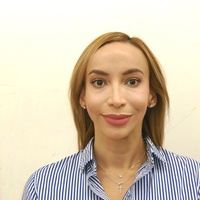
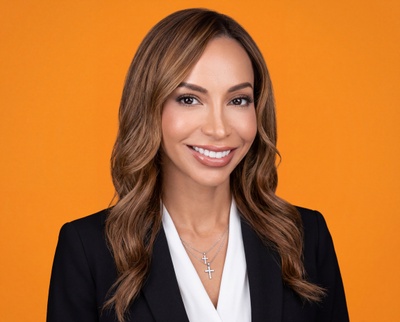
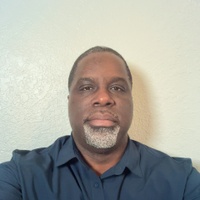
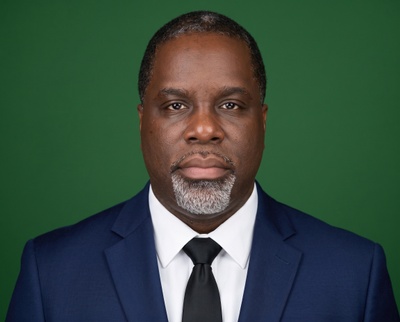
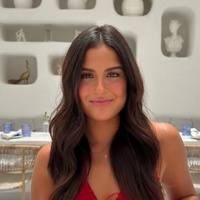
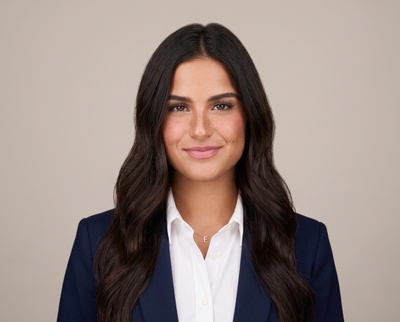
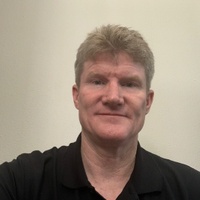
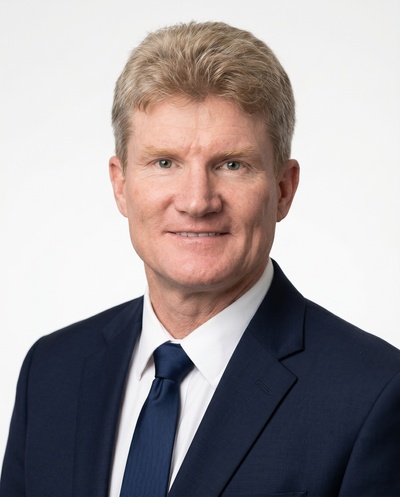
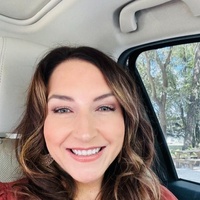
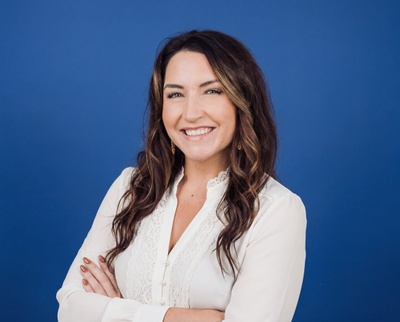
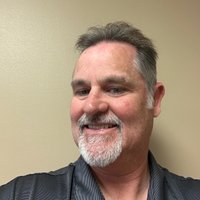
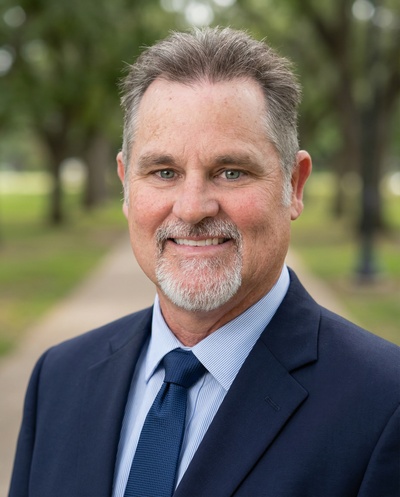
Professional studio headshots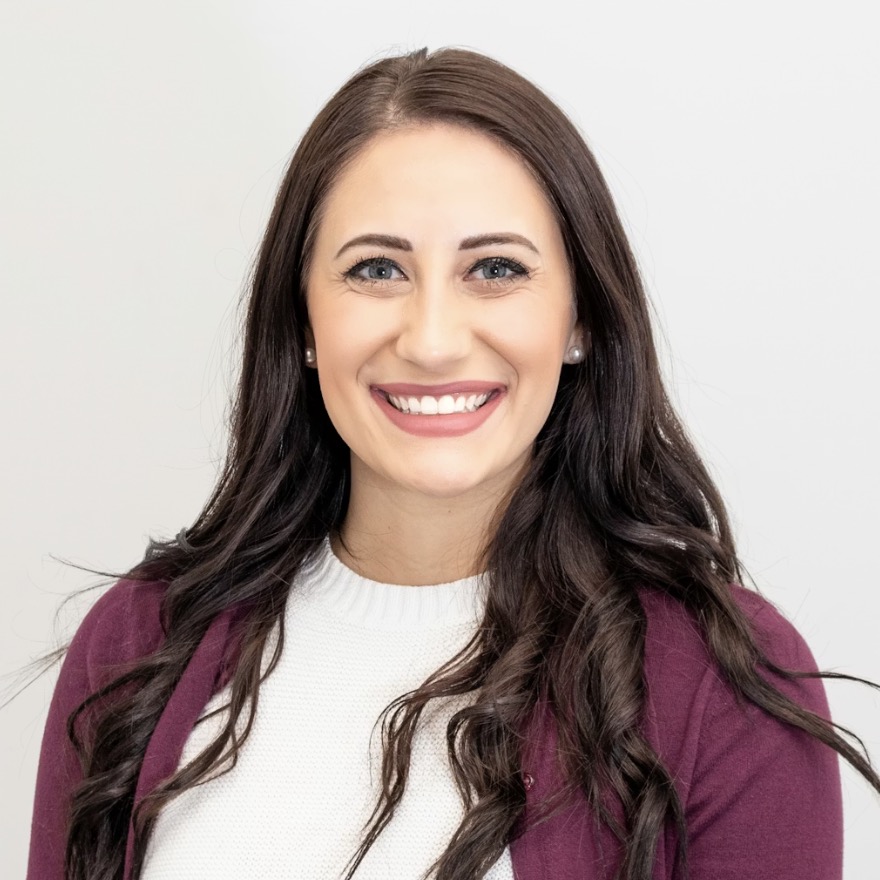
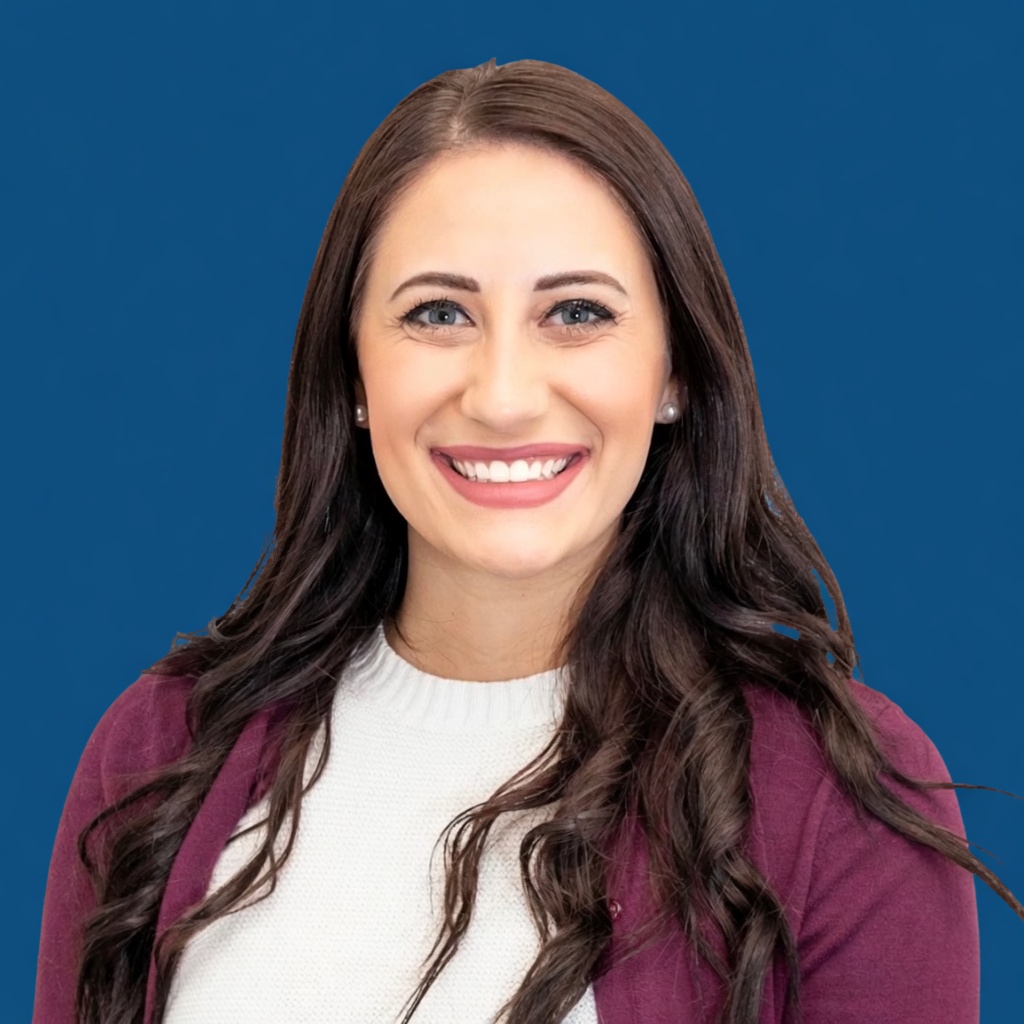 No watermark HD download 100% freeInstagramWhatsAppDiscordLinkedInX
Everything the editor does
Crop it, set the background, add a border or text, and download it in the exact size each platform wants.
Download in every size
One tap gives you the right size for Instagram, WhatsApp, Discord, YouTube, X, LinkedIn, and CV, plus a 1024×1024 HD square. PNG or JPEG, no watermark.
Borders and frames
Solid rings or gradient frames, any thickness, so your circle crop stays readable on a busy app background.
Any background
Put a solid color, gradient, or pattern behind you. Background removal runs in your browser, so your photo never leaves your device.
Circle crop and position
Zoom and drag until the crop sits right, with a live round preview so hair and shoulders don't clip.
One-tap filters
Classic photo filters. Add one in a tap, or skip them.
Text, straight or curved
Add a name or handle and curve it around the edge of a round pfp.
How the free pfp maker works
Three steps. You stay in the browser the whole time.
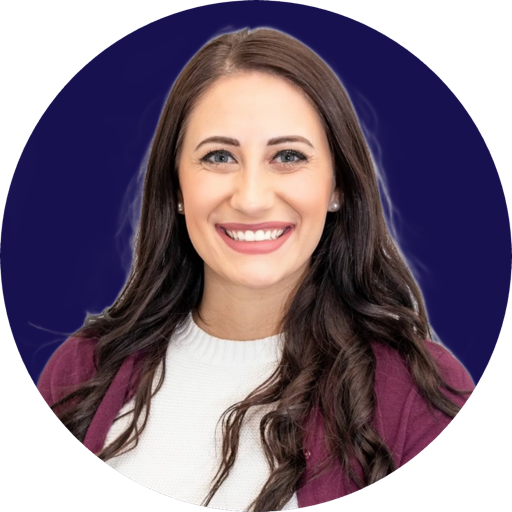
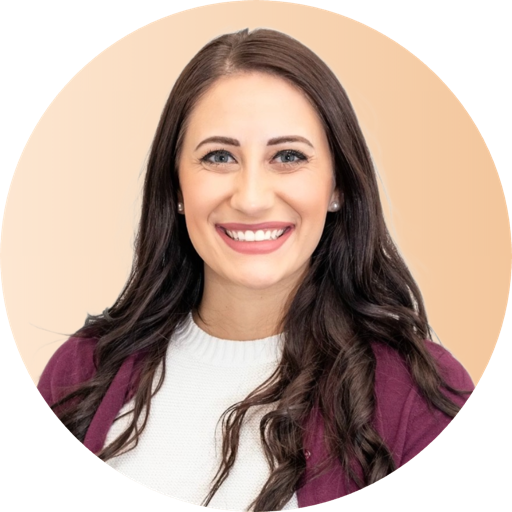 profile-picture.pngDownload HD
- Step 1
Upload
Drop a selfie or pick one from your phone. Camera roll is fine.
- Step 2
Remove the background and style
Cut the subject out, pick a color or gradient, and add a circle crop or border.
- Step 3
Download free
Export an HD PNG or JPEG. No watermark, no account, no paywall.
Circle crops, borders, and frames, straight from the editor
Every picture below was made here. Yours downloads the same way: HD, no watermark.
Solid colors, soft gradients, a round dp with a thin border, a LinkedIn-blue crop. The styles people actually use, not a filter pack. All the dp editing runs online in your browser, and nothing uploads until you add your own photo.
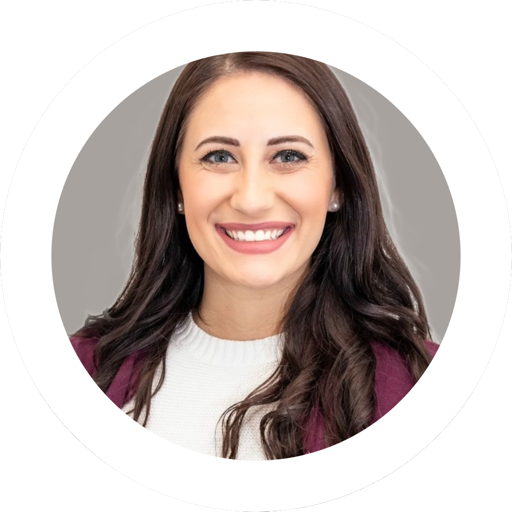
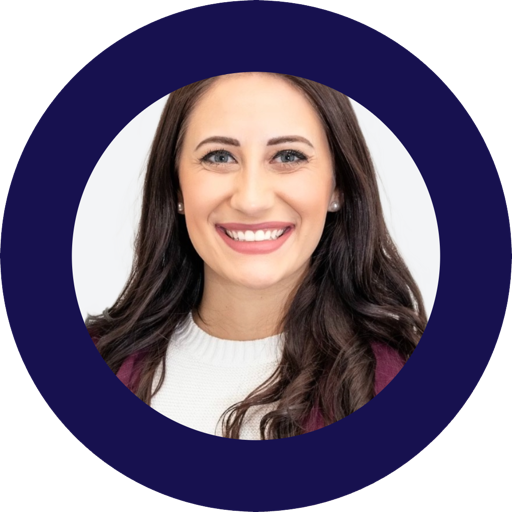
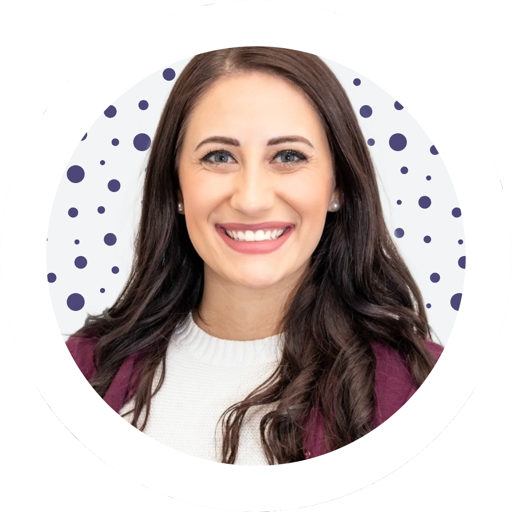
Tap any style to open it in the editor.
Open the free profile picture makerA dp maker for every profile
This profile photo maker works for Instagram / WhatsApp DP, and doubles as an avatar maker for Discord, TikTok, YouTube, and Twitter/X. Use it as a profile pic maker for LinkedIn or a CV photo when you need something cleaner and more professional.
Instagram DP320×320
Circle crop sized for an Instagram profile picture or round DP.
Make an Instagram pfp →WhatsApp DP500×500
A clear face on a simple background, ready as a WhatsApp DP.
Discord512×512
A Discord avatar that still reads at small sizes in the member list.
Make a Discord pfp →TikTok200×200
A high-contrast TikTok avatar that holds up on a phone screen.
Make a TikTok pfp →YouTube800×800
A clean channel icon from the photo you already have.
Twitter / X DP400×400
A round DP with a border so the crop doesn't clip your face.
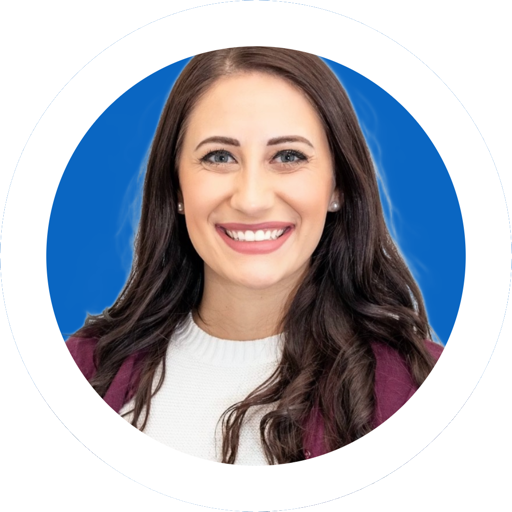
LinkedIn400×400+
A LinkedIn-blue backdrop and a professional crop for your profile picture.
Make a LinkedIn pfp →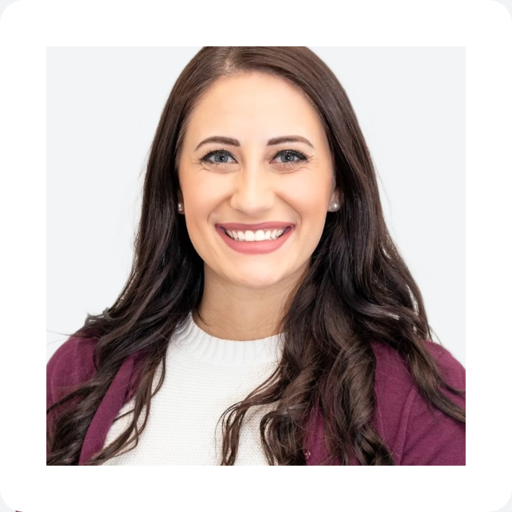
CV / resume
A simple CV photo with a plain background, ready to drop into a document.
Making a pair with someone else? Try the matching pfp maker for coordinated profile pictures.
Your photo never leaves your device
Background removal runs in your browser. The image isn't uploaded to our servers to cut the background, so your photo never leaves your device for that step. HeadshotPro doesn't train on customer photos.
What happens to your photo
Background removal runs in your browser.
The image isn't uploaded to our servers to cut the background.
HeadshotPro doesn't train on customer photos.
Questions
The basics
Is it really free?
Yes. The pfp maker is 100% free. No sign-up, no watermark, no credit card. You can download an HD profile picture without creating an account.
Is this an AI profile picture generator?
This page is a free editor for the photo you already have. If you want an AI profile picture that's reshot as a studio-style portrait, that's HeadshotPro, linked from the bottom of this page.
What file formats does it support?
Upload a photo straight from your camera roll (JPG and PNG both work) and download the finished profile picture as an HD PNG or JPEG.
Does it work on my phone?
Yes. The editor runs in your mobile browser — upload from the camera roll, edit, and download the same way as on desktop.
Platforms and crops
Does this work as a dp maker for Instagram and WhatsApp?
Yes. It works for Instagram / WhatsApp DP, and for Discord, TikTok, YouTube, and Twitter/X. Use the circle preview so the crop matches how those apps show a round DP.
Can I make a circle or round profile picture with a border?
Yes. Choose a circle or round crop and add a profile picture border or frame in the editor before you download.
Can I use it for LinkedIn or a CV photo?
Yes. Pick a plain professional background (LinkedIn blue is in the editor) and export a size that fits a LinkedIn profile picture or a CV photo.
Should I add a border or frame?
A thin profile picture border keeps a circle crop readable on a busy app background. Add it last, and keep it simple.
What size should a profile picture be?
Most platforms show a square: Instagram 320×320, TikTok 200×200, X and LinkedIn 400×400, Discord 512×512, YouTube 800×800. The editor has a one-tap export preset for each major platform, plus a 1024×1024 HD square that downscales cleanly anywhere.
Your photo
Do you keep my photo?
Background removal runs in your browser, so that step doesn't send the file to our servers. Your photo never leaves your device for cut-out. We don't use editor photos to train models.
What photo works best?
One where your face is sharp and well lit. The editor can't invent detail that isn't in the file.

Want a professionally reshot portrait?
If a recrop isn't enough, HeadshotPro turns a selfie into studio-style AI headshots. That's a paid product. This editor stays free.
Try it for free nowReal selfies in, real headshots out